
104-job-auto-apply
by yennanliuv1.0.3
Automate job applications on 104.com.tw using Playwright MCP tools. Supports single job applications, batch processing, and multi-page automation with controls.
Keywords
job-automation104taiwanplaywrightjob-searchautomationclaude-code
Documentation
# 104 Job Auto-Apply Skill for Claude Code A Claude Code skill for automating job applications on 104.com.tw using Playwright MCP tools. [](https://yennanliu.github.io/104Skill/) [](https://github.com/yennanliu/104Skill) 🌐 **[Visit Website](https://yennanliu.github.io/104Skill/)** | 📚 **[Documentation](https://github.com/yennanliu/104Skill/blob/main/SKILL.md)** | 🚀 **[Quick Start](https://github.com/yennanliu/104Skill/blob/main/QUICKSTART.md)** 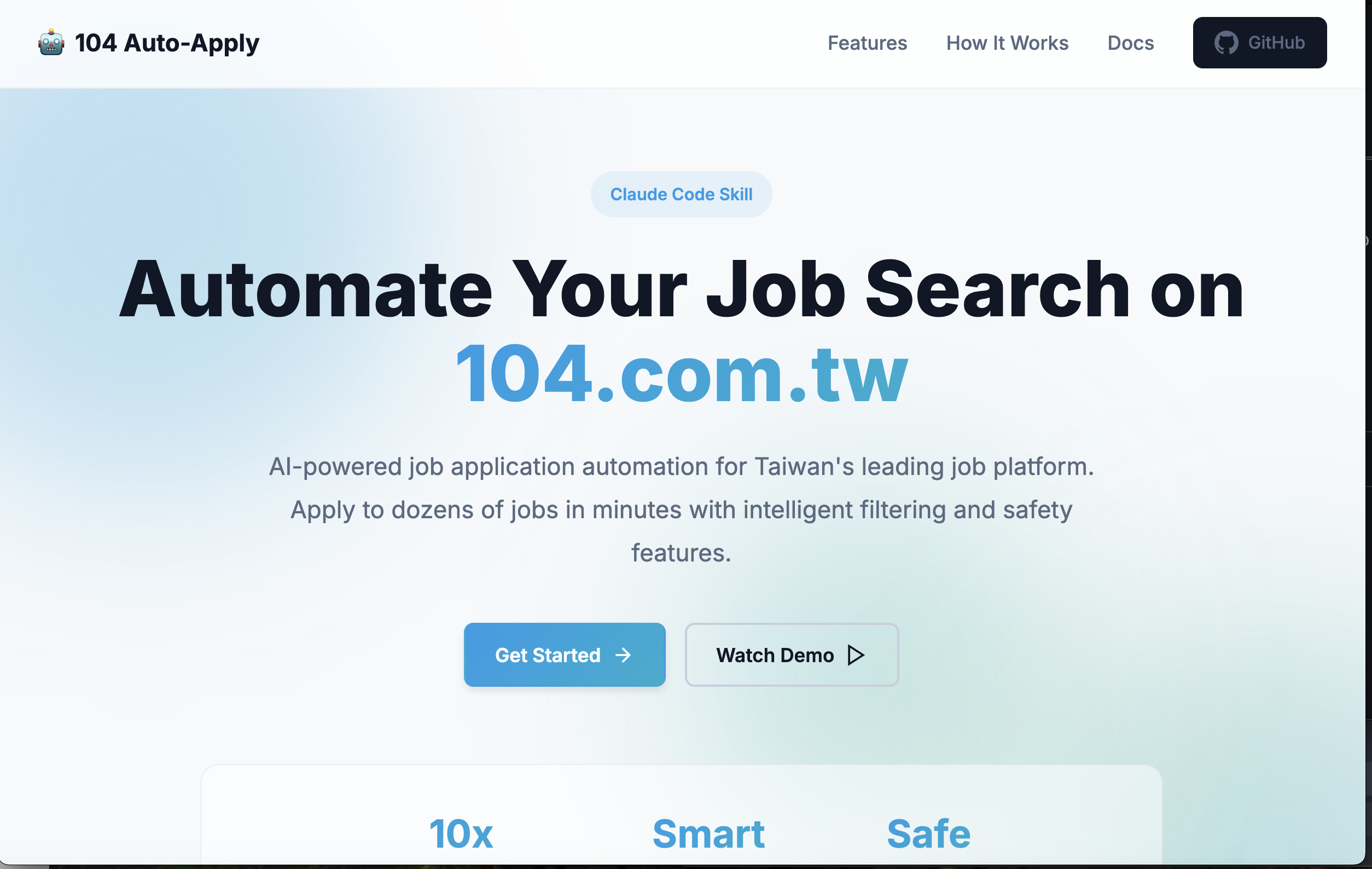 ## Overview This skill enables automated job applications on Taiwan's 104.com.tw job platform. It supports: - Single job applications for testing - Batch processing multiple jobs - Multi-page automation - Smart filtering (skips already applied jobs) - Configurable delays and safety features ## Installation ### Option 1: Claude Code Marketplace (Recommended) Install directly from GitHub marketplace in Claude Code: ```bash claude # Add to marketplace /plugin marketplace add yennanliu/104Skill # Install the skill /plugin install 104-job-auto-apply # Verify installation /plugin list # Use the skill /104-job-auto-apply ``` ### Option 2: Quick Install Script Run the installation script: ```bash git clone https://github.com/yennanliu/104Skill.git cd 104Skill ./install.sh ``` This copies the skill to `~/.claude/skills/104-job-auto-apply/` ### Option 3: Local Development For local development and testing: ```bash claude # Add local marketplace /plugin marketplace add /path/to/104Skill # Install from local source /plugin install 104-job-auto-apply@local # Or reference directly in project CLAUDE.md ``` In your project's `CLAUDE.md`: ```markdown # Project Skills Load the 104 job automation skill: @skill /path/to/104Skill/SKILL.md ``` ## Prerequisites Before using this skill, ensure: - You have a 104.com.tw account and are logged in - Your resume is uploaded to 104.com.tw - You have created a cover letter (default: "自訂推薦信1") - Playwright MCP tools are configured in Claude Code - You have a stable internet connection ## Quick Start ### Using the Skill in Claude Code 1. Start Claude Code in your terminal 2. Invoke the skill: ``` /104-job-auto-apply ``` 3. Claude will guide you through: - Choosing between single job or batch automation - Configuring search parameters - Setting up delays and safety features ### Manual Invocation You can also ask Claude directly: ``` Help me apply to software engineering jobs on 104.com.tw ``` Claude will recognize the task and offer to use this skill. ## Usage Examples ### Example 1: Test with Single Job ``` Use the 104 job automation skill to apply to a single software engineering job as a test ``` ### Example 2: Batch Apply to Remote Jobs ``` Use the 104 skill to apply to remote software engineering jobs in Taipei, process 3 pages with 3-5 second delays between applications ``` ### Example 3: Conservative Automation ``` Apply to backend developer positions on 104.com.tw, start from page 2, process 2 pages maximum, use 5-8 second delays ``` ## Configuration The skill supports these configuration options: | Option | Default | Description | |--------|---------|-------------| | `startPage` | 1 | Starting page number | | `maxPages` | 5 | Maximum pages to process | | `delayMin` | 2000 | Minimum delay between jobs (ms) | | `delayMax` | 4000 | Maximum delay between jobs (ms) | | `coverLetter` | '自訂推薦信1' | Cover letter name | ## Safety Features - Automatically skips already applied jobs - Random delays between applications (2-4 seconds default) - Error handling for each job application - Maximum page limit to prevent runaway execution - Detailed logging for monitoring progress ## Limitations - Cannot solve CAPTCHA challenges - Cannot handle custom application forms - Requires manual login before starting - Browser must remain open during execution - Cannot handle jobs requiring additional information ## Troubleshooting ### Common Issues **Apply button not found** - Solution: Ensure you're logged in and page has fully loaded **Cover letter not found** - Solution: Verify exact cover letter name in your 104.com.tw settings **Applications failing** - Solutions: - Check internet connection - Increase delays between jobs - Test with single job first - Verify account status ## Best Practices 1. **Start Small**: Test with 1-2 jobs before batch processing 2. **Verify Settings**: Confirm resume and cover letter are correct 3. **Monitor Execution**: Watch the first few applications 4. **Be Selective**: Only apply to genuinely suitable positions 5. **Respect Limits**: Maximum 10-20 jobs per session recommended 6. **Take Breaks**: Don't run continuous sessions ## Legal & Ethical Usage This tool is for **educational and personal productivity purposes only**. - Only apply to jobs you're genuinely interested in and qualified for - Do not spam applications - Respect 104.com.tw's Terms of Service - Use responsibly and ethically ## Technical Details ### How It Works 1. Navigates to 104.com.tw job search results 2. Extracts job listings from the page 3. For each job: - Opens job detail page - Checks if already applied - Clicks apply button - Selects cover letter - Submits application - Verifies success 4. Moves to next page and repeats ### Dependencies - Playwright MCP tools (browser automation) - 104.com.tw account with valid session ### Reference Implementation See the `SKILL.md` file for complete implementation details and code examples. ## Contributing To improve this skill: 1. Test with different job types and scenarios 2. Report issues or edge cases 3. Suggest enhancements for better safety or efficiency ## License This skill is for personal use. Please respect 104.com.tw's Terms of Service. ## Support For issues or questions: 1. Check the troubleshooting section in SKILL.md 2. Review the original implementation code 3. Test with single job applications first --- **Remember**: Quality over quantity. Apply thoughtfully to positions that genuinely match your skills and interests.